
CoinGecko CLI
A high-performance terminal interface for real-time & historical crypto data, built in Go.
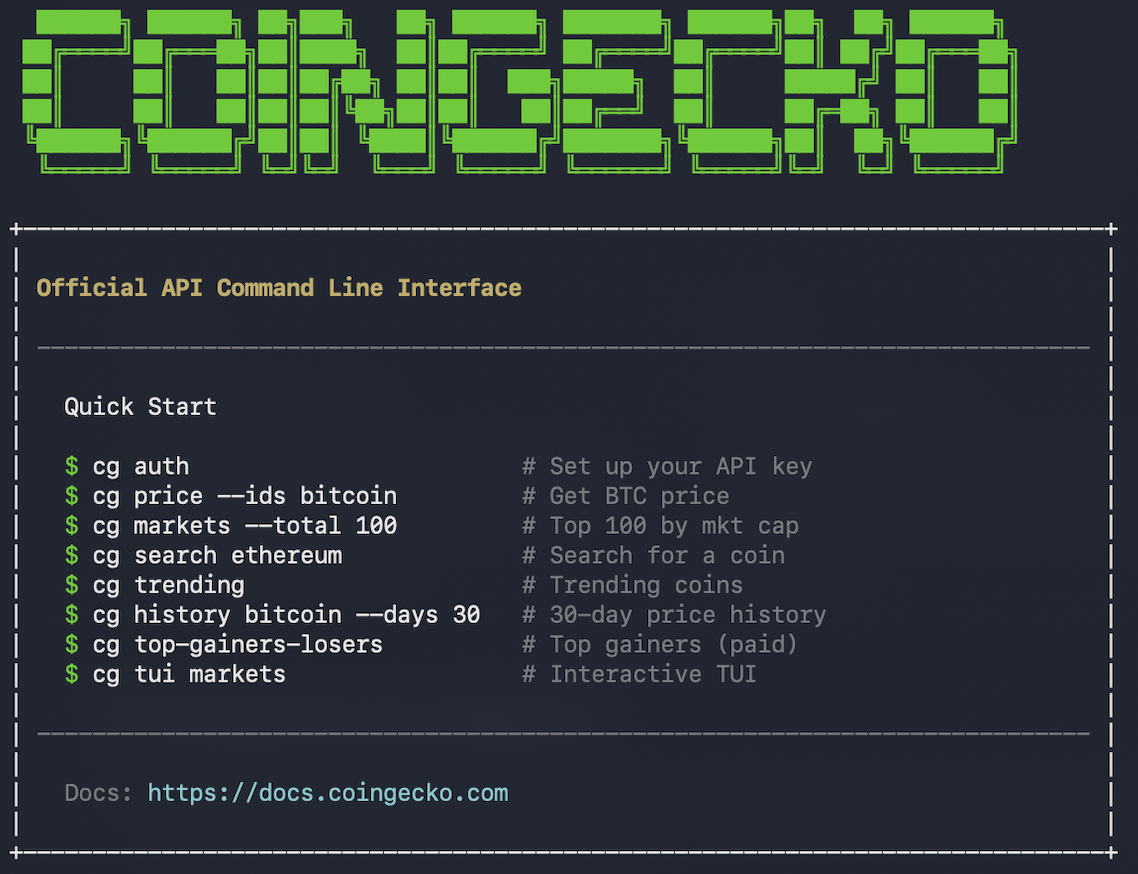
The CoinGecko CLI is a fast, full-featured terminal interface designed for developers, data analysts, and AI Agents who prefer the command line over a browser. It bridges the gap between raw API access and local data workflows with interactive dashboards and machine-readable outputs.
Get Started
Get API Key
Sign up for Demo (Free) or Pro (Paid) API key here, and retrieve the API Key in Developer Dashboard.
Install CoinGecko CLI
Visit the official CoinGecko CLI GitHub for full installation guides. It takes just 1-click, and less than a minute to complete the setup.
Features at a Glance
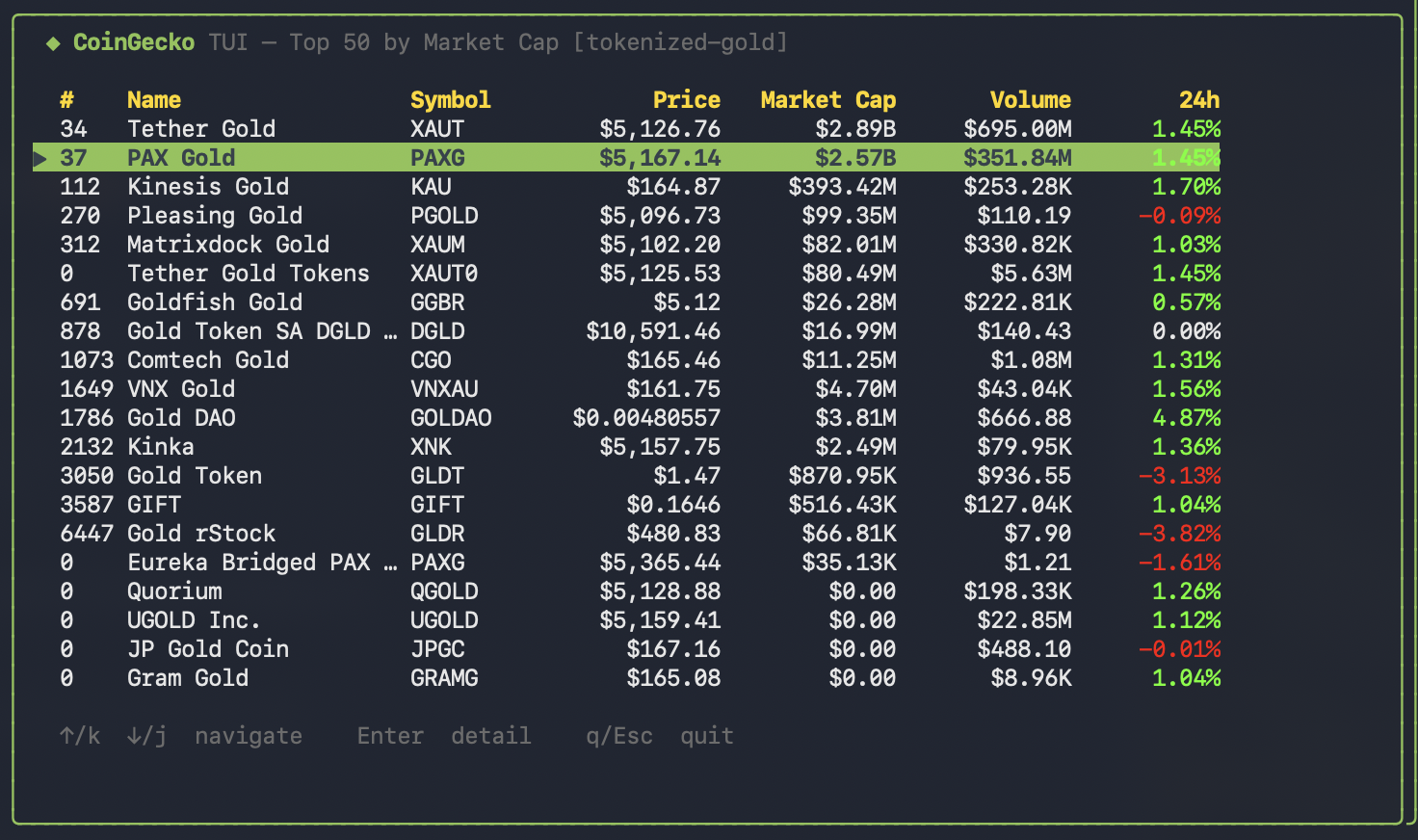
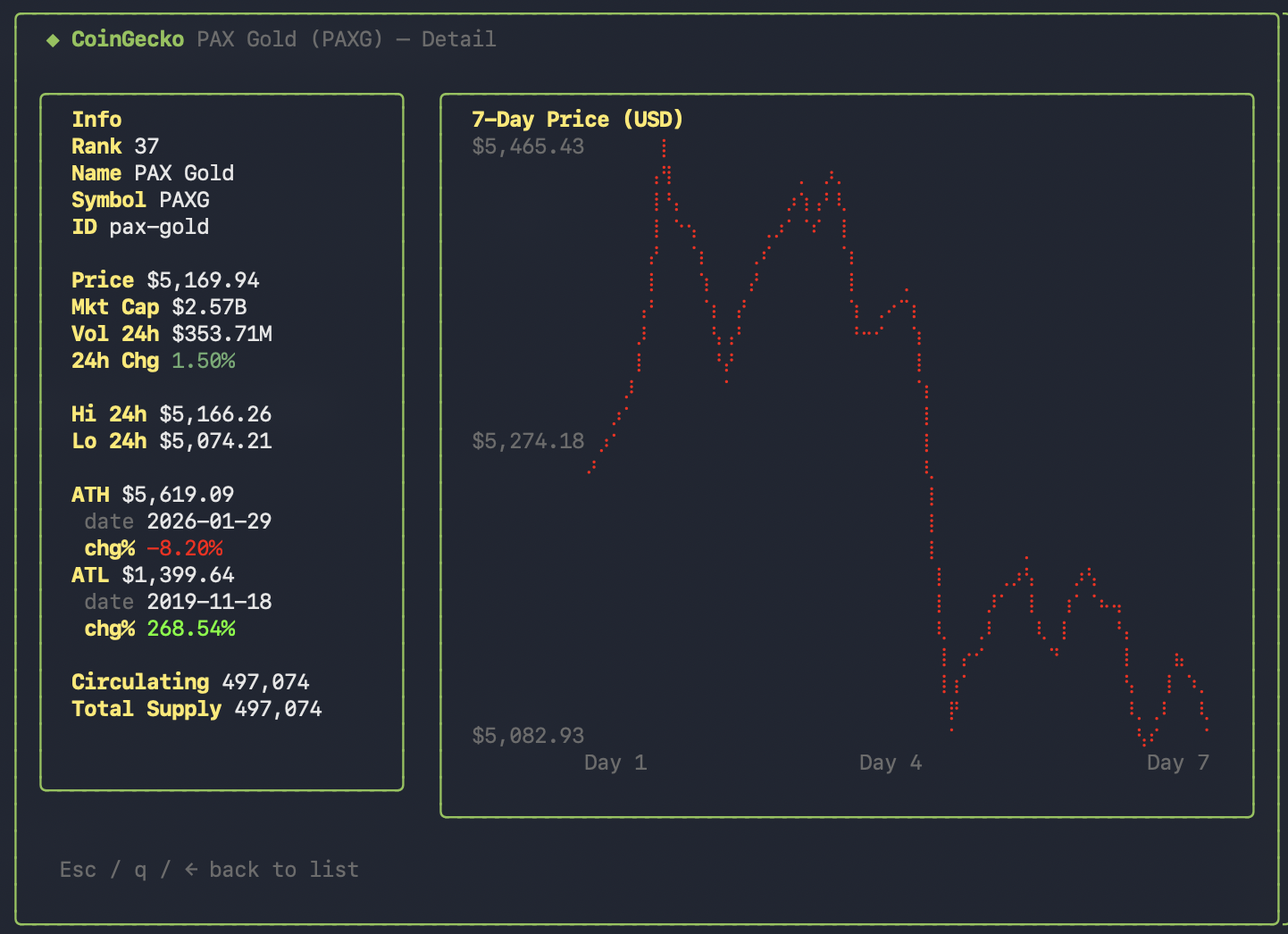
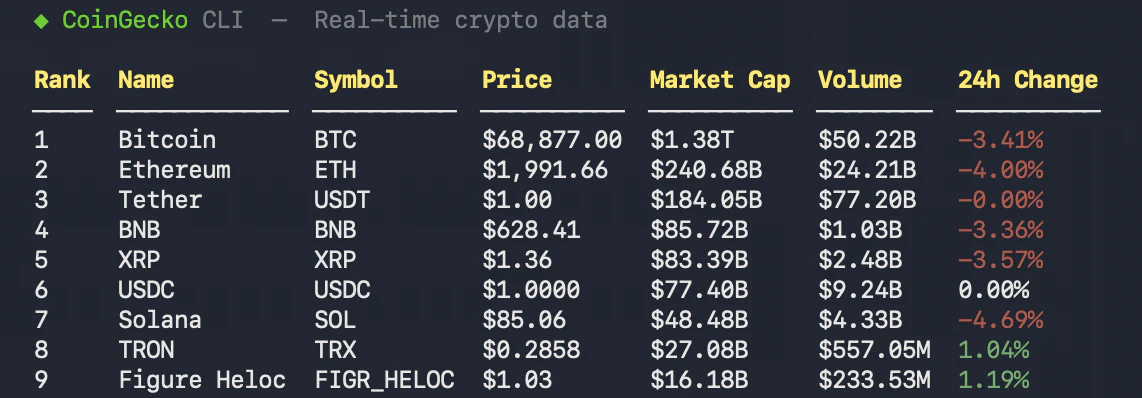
Common Use Cases
The CoinGecko CLI is designed to be versatile, supporting both high-speed developer workflows and complex reasoning tasks for AI agents.
Developers: Market Monitoring & Tooling
- CI/CD Alerts: Integrate the CLI into GitHub Actions or local cron jobs to monitor price thresholds using
-o jsonand tools likejq. - Rapid Dataset Generation: Fetch and export large market datasets (e.g. top 1000 coins) to CSV in seconds, bypassing the need for custom scripts.
- Debugging & Tool Testing: Use
--dry-runto visualize the exact API parameters and URL being constructed before implementing them in production code. - Shell Integration: Embed the CLI into your terminal prompt to see live metrics every time you open a session or run a command.
AI Agents: Data Retrieval & Reasoning
- Function Calling: Give your LLM the
cgbinary as a tool to resolve coin symbols viacg searchand perform technical analysis on results - Automated Market Research: Agents can identify “hot” sectors using
cg trendingand then drill down into specific performers using the--categoryfilter. - Context Injection: Provide your agent with fresh, machine-readable data via
-o jsonto ensure reasoning is based on real-time market conditions rather than static training data. - Agent Discovery: Use the
cg commandsutility to let an agent “self-document” its capabilities by reading the available sub-commands and metadata.
Analysts: Data Pipelines
- Historical Snapshots: Quickly generate historical CSV reports for specific dates or ranges to feed into Excel or Python dataframes.
- Movers Analysis: Track the biggest gainers and losers across different timeframes and pool sizes for deeper sentiment analysis.
- Category Benchmarking: Export raw data for specific sectors like “Layer-2” or “RWA” to compare performance metrics across an entire category.